
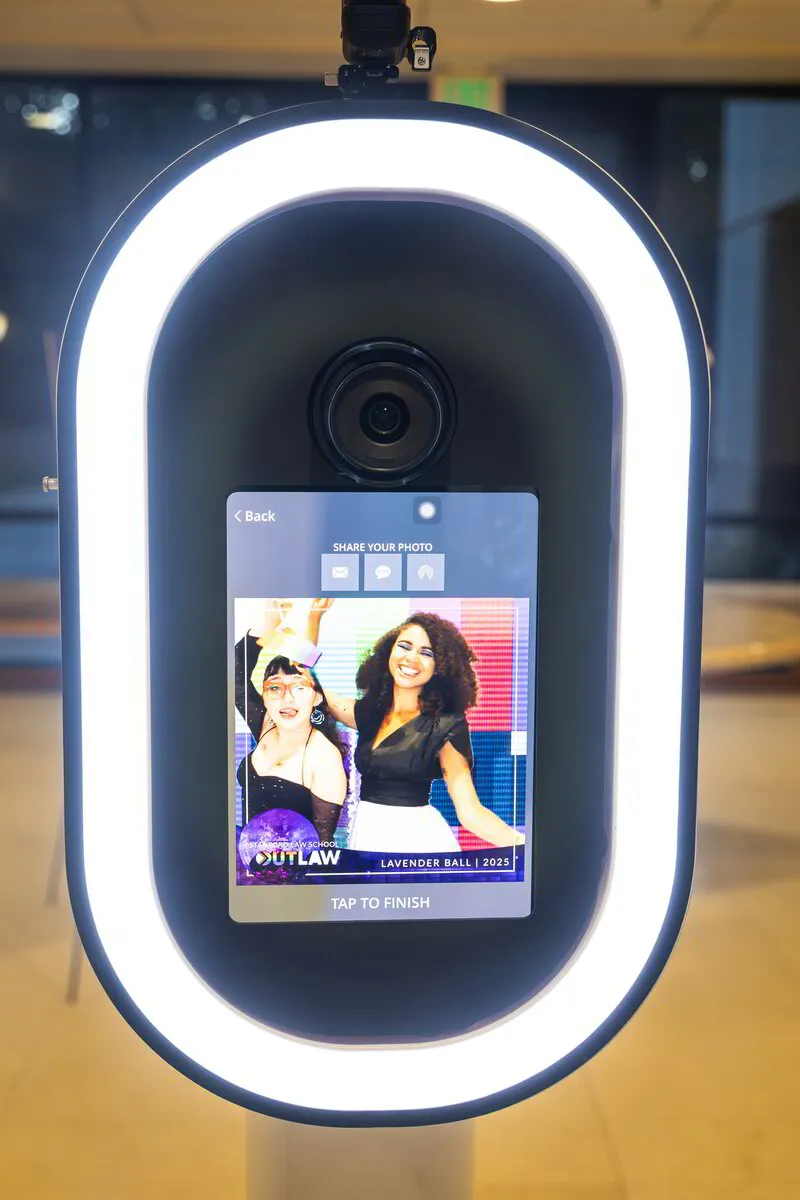
Updated : This guide now includes clearer GIF and Boomerang comparisons, rental and staffing details, digital-sharing guidance, and venue-planning FAQs.
A GIF or Boomerang photo booth turns a short guest session into a looping digital keepsake. The difference is the movement: a GIF can repeat a sequence of images, while a Boomerang plays a short movement forward and backward. Use this guide to compare the formats and plan your examples, branding, sharing and venue setup.
One, Two, Smile! Photobooth offers GIF and Boomerang photo booth rentals for corporate events, brand activations, weddings and celebrations. Review the selected package before booking so the outputs and support match your event.
GIF vs. Boomerang: What Is the Difference?
GIF: a repeating image sequence
A GIF repeats a sequence of frames. Guests can change poses between frames or use a small movement to create a loop. Ask to see a sample made with the capture mode selected for your event.
Boomerang: movement forward and backward
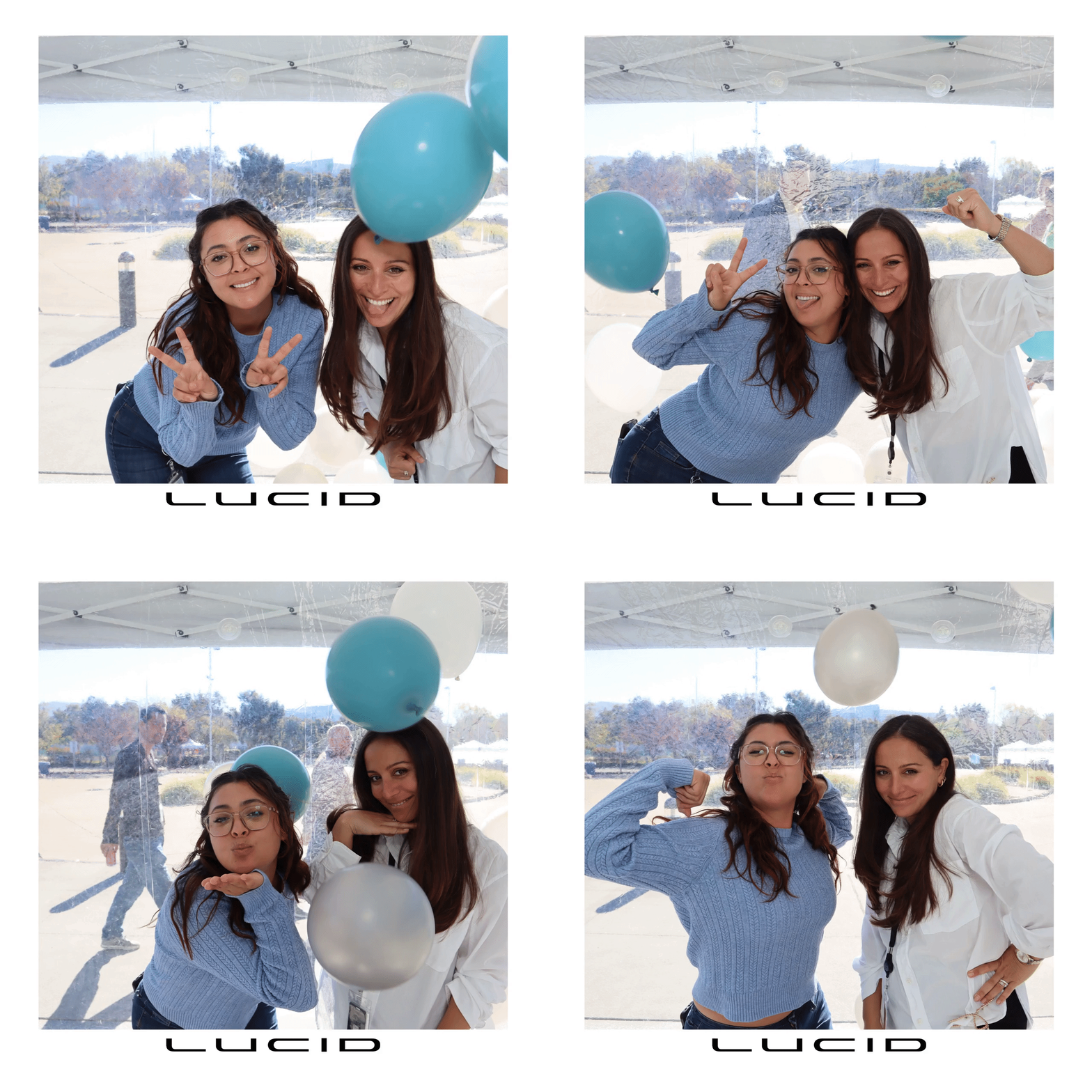
A Boomerang plays a short movement forward and then in reverse. A wave, a turn toward the camera or a small group gesture can make the reversal easy to see. The capture effect and the exported file format are separate details; confirm both when planning your deliverables.
What to Confirm in Your GIF and Boomerang Rental
The currently listed GIF and Boomerang experience includes unlimited booth sessions during the booked operating time, a custom template or overlay, backdrop choices, an online gallery and in-unit sharing. The standard booth is self-operated. An attendant is available as an optional upgrade.
Review the GIF and Boomerang package details for the full inclusions. Do not assume prints, background-changing effects, additional video formats or staff-led guest coaching are included. Ask for any extra format or support to be listed in your proposal.
How the Guest Experience Works
- Choose a simple action. Use a pose sequence for a GIF or a short movement for a Boomerang.
- Capture and preview. Keep the movement inside the camera frame so the finished loop is easy to follow.
- Apply the approved design. Review event names, logos and artwork before the event.
- Receive the file. Confirm the sharing method, venue connection and any gallery access included in your package.
Digital delivery depends on the selected setup and a usable connection. Confirm the export format for the platforms you plan to use. A digital file does not guarantee that guests will post it, or that it will generate reach or leads.
Plan Branding and Guest Prompts
Start with one event name, a clear logo placement and a design that leaves room for faces and movement. Review the artwork at phone size as well as on a larger screen. A short prompt such as “wave together” or “turn toward the camera” gives guests a clear starting point.
For a corporate project, share the brand guidelines and intended use of the output. Our brand activation options can help frame the discussion. For a guest-facing format that also includes still photos, compare the social photo booth and confirm its package separately.
Choose Motion or Still Photos Around the Event Goal
| Planning question | GIF or Boomerang | Still-photo experience |
|---|---|---|
| What does the guest keep? | A short looping digital output. | A still photograph; print and digital options depend on the package. |
| What should guests do? | A short action or sequence of poses. | Hold a pose for a photograph. |
| What should the planner review? | Loop direction, framing, artwork, export format and sharing. | Lighting, framing, photo design and selected delivery options. |
| When might it fit? | When movement is part of the event brief. | When portraits or printed keepsakes are the priority. |
Neither format guarantees more participation or stronger social results. Choose around your audience, schedule and intended keepsake. Compare Glam black-and-white portraits when still photography is central to the brief.
Check Venue Space, Power and Internet
Share the venue, floor plan, load-in route and operating schedule. Confirm the booth footprint and a clear guest approach before assigning a location. For outdoor events, discuss shade, weather protection and a practical indoor alternative. Check the connection where the booth will operate rather than assuming venue-wide Wi-Fi will be sufficient.
For a Convention Center event, confirm the required connection before ordering venue services. Use our Seattle venue and connectivity planning notes to ask how to arrange internet service and which building and room to name in the event brief.
For a summer company event, our seasonal corporate photo booth ideas can help connect the format with the occasion. For other events, compare wedding photo booth options or holiday photo booth options.
GIF and Boomerang Photo Booth Questions
Does a Boomerang always mean a GIF file?
No. “Boomerang” describes the forward-and-backward motion effect. Ask which file format your selected booth exports and test a sample in the platform you plan to use.
Is an attendant included?
The current GIF and Boomerang package is self-operated. An attendant is listed as an optional upgrade; request that support when you ask for your proposal.
Can the output include our logo?
The listed experience includes a custom template or overlay. Share your artwork and brand guidelines, and confirm the final design and any additional production requests in your proposal.
Can guests share files during the event?
In-unit sharing is listed for the experience. Confirm the sharing method and connection at your venue. Test the intended file format before promising compatibility with a particular social platform.
Plan Your GIF or Boomerang Photo Booth
Send your event date, venue city, estimated guest count and operating hours. Tell us whether you want a pose sequence or a forward-and-backward loop, and include your branding ideas and any attendant request. One, Two, Smile! Photobooth will confirm availability, the selected outputs and the quoted scope. For events elsewhere in the U.S., ask about nationwide availability and travel requirements.
Request a GIF and Boomerang photo booth quote
Related Event Planning Guides
- Photo booth ideas for product launches
- How to choose a photo booth for a corporate event
- Schedule a discovery call
 Call (510) 463-4972 to discuss your event.