To choose an AI photo booth for a Bay Area corporate event, compare the source photo, finished AI portrait and complete guest session before you compare prices. Then confirm creative approvals, guest flow, internet access, on-site support and exactly what guests will receive. The right provider should be able to explain how those pieces will work for your event.
An impressive sample is a useful starting point. The next step is finding out whether that experience fits your audience, venue and schedule. Here’s what I’d ask when planning an activation, conference or company celebration in San Francisco, San Jose or elsewhere in the Bay Area.
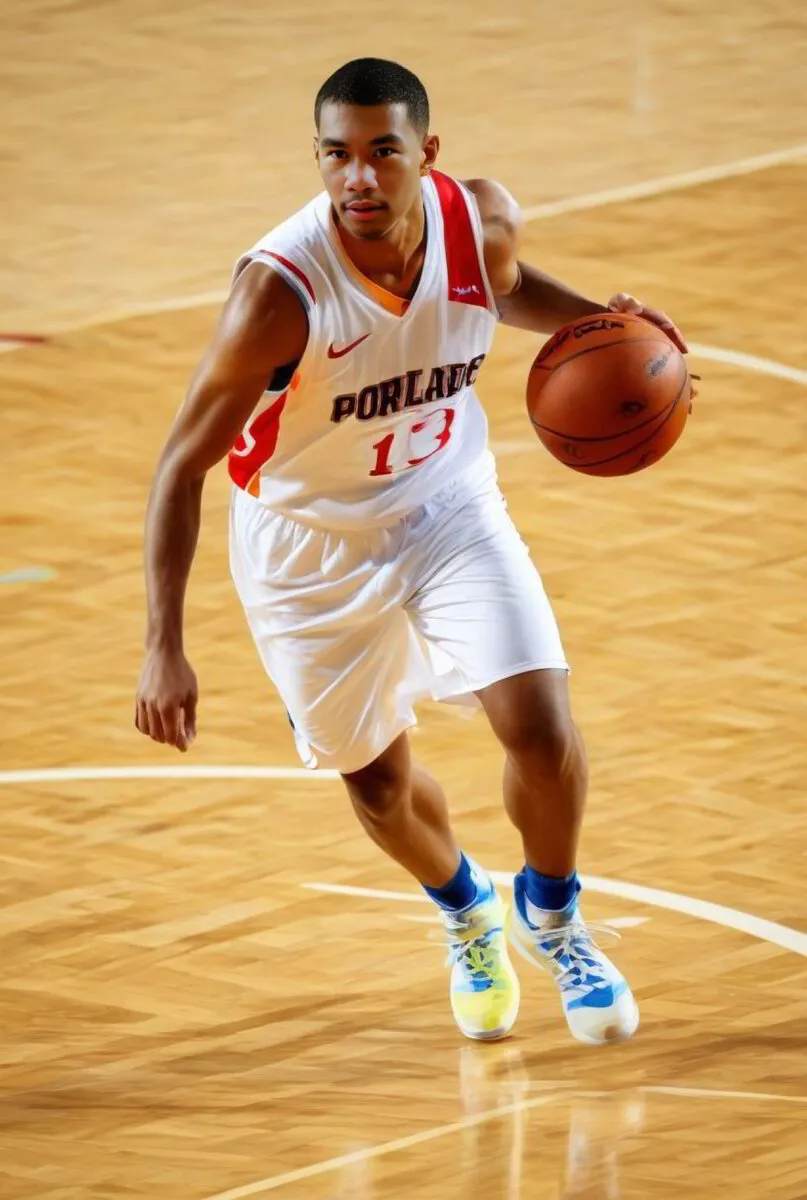
Updated October 19, 2026. Featured image: AI-generated basketball portrait.
Key takeaways
- Review several source-photo and AI-result examples, including the type of individual or group portrait you need.
- Approve the portrait style, branding and delivery screens together before event day.
- Ask about peak attendance, generation time, retries and the connection contingency plan.
- Confirm printing, video, data collection and reporting individually in the written proposal.
- Compare complete scopes, including staffing, creative development, operating hours and venue requirements.
Start with the same event brief for every provider
Give each provider the same information: event date, venue, operating hours, expected attendance, audience and creative objective. Explain what you want guests to do and what they should leave with. A product launch might need portraits tied to a campaign concept. A company celebration might prioritize a keepsake that colleagues can enjoy together.
Be specific about individual portraits versus group photos, digital delivery versus printing, and whether collecting attendee information is part of the brief. Ask the provider to identify anything your request adds to the production scope.
If you’re still getting familiar with the format, our AI photo booth explainer covers the basic concept. Use the questions below to evaluate a particular setup and its proposed inclusions.
Ask to see the source photo and finished portrait
Request several examples showing the original photograph beside the generated image. Look for a guest you can still recognize, a style that fits the campaign and a finished composition that works at the size you’ll use. If you need group portraits, ask for group examples. A strong individual sample doesn’t answer that question.
Look beyond the most dramatic transformation. Check faces, hands, clothing details and the edges around people. Ask how the team handles a result that a guest dislikes or that doesn’t meet the approved creative direction. Find out whether a retry affects the queue or delivery time.
A consistent style across guests can still use AI. The useful question is how the source photograph is transformed and whether the output meets your brief. Camera labels and the word “AI” alone won’t tell you what the finished experience looks like.
Approve the creative direction before event day
Ask how the provider develops and tests the prompt, how your team reviews samples and how revisions are handled. Identify one person who can consolidate feedback and give final approval. Confirm the approval deadline before your team commits to a launch schedule.
For branded photo booth activations, review more than the portrait itself. Check logo placement, campaign colors, image layout, booth instructions and the screens guests see when receiving their files. Ask which elements are generated and which are added as a designed overlay, particularly when logos or campaign wording must remain exact.
Review a sample at its intended print size and on a phone. Small text that looks readable on a designer’s monitor may be difficult to read in a guest’s downloaded image. Get the approved samples and included revisions documented in the project scope.
Plan for the busiest part of the event
Total attendance is only part of the queue calculation. Tell the provider when people are likely to arrive: all at once after a keynote, in waves during a reception, or steadily across a trade show. Ask how the proposed setup handles that peak period.
Have the team walk you through greeting, photo capture, style selection, generation, any retry and delivery. Ask whether a guest needs to stay at the capture station while the image processes or can step aside. Generation time and the time before the next guest can begin are different things.
As a planning example, if 60 people want to participate during a 30-minute break, the setup needs to accommodate an average of two people per minute during that window. That’s a demand estimate, not a promise of booth capacity. Ask the provider what is realistic for the selected configuration and whether the schedule or setup needs to change.
Our corporate photo booth planning guide also covers how the booth fits into the wider event. Include the queue, delivery area and any printer station in the floor plan, while keeping venue routes clear.
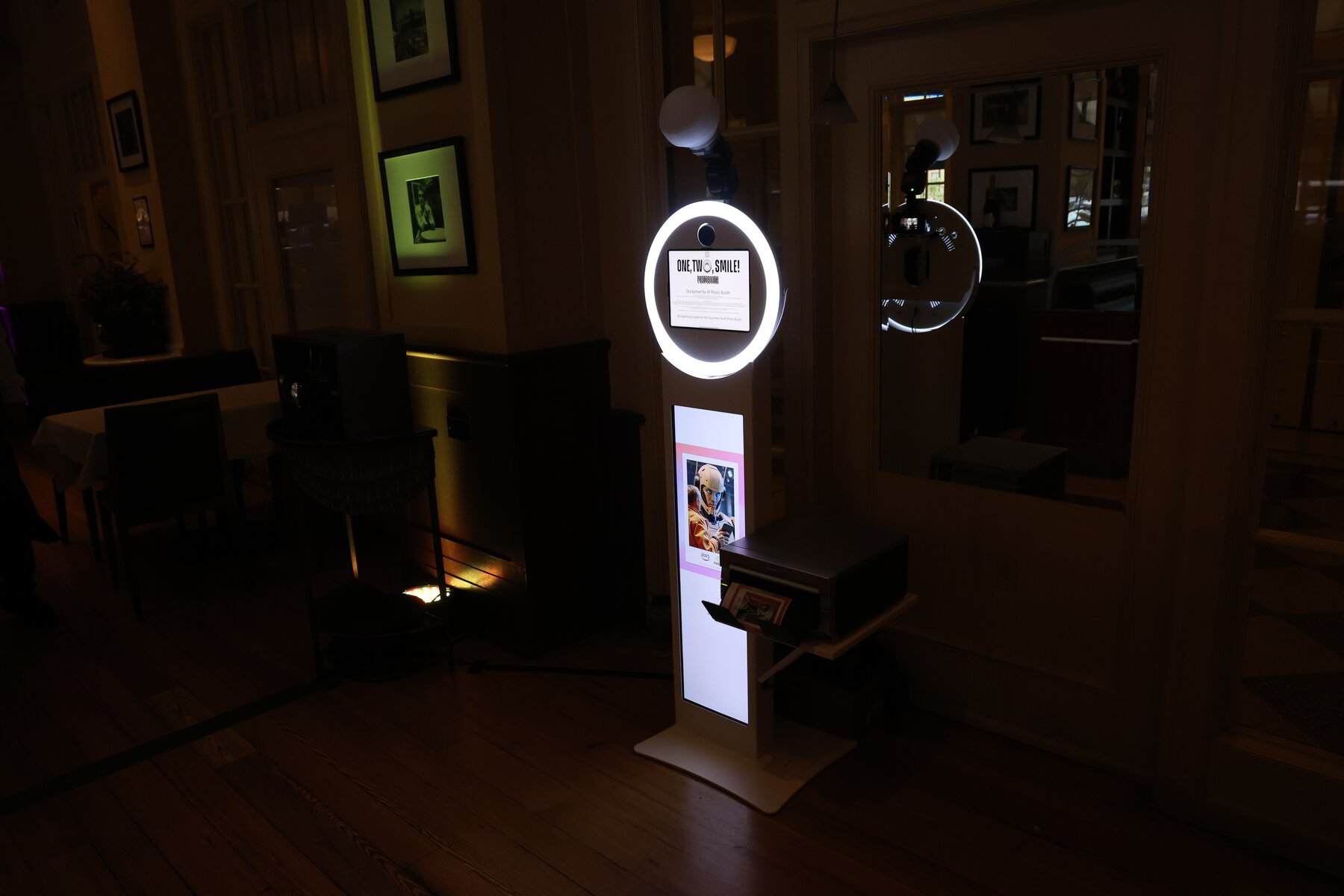
Confirm connectivity and on-site support
Ask what connection the selected setup requires and who is responsible for providing it. Share the venue’s connectivity information early so the provider can check the requirements with the venue team. A venue offering Wi-Fi doesn’t, by itself, establish that the proposed activation has the connection it needs.
Get the contingency plan in writing. If the connection drops, can captures continue? Does image generation pause? How will guests receive pending images, and who will communicate the change? Confirm what can and cannot operate offline rather than assuming there is a backup for every feature.
Also confirm who will be on site, who handles troubleshooting and how your planner can reach that person. For One, Two, Smile! Photobooth, most staffed AI configurations require reliable internet. The final connection plan and setup requirements are confirmed for the selected experience.
Confirm exactly what guests receive
List each deliverable separately: the generated portrait, original photograph if requested, digital file, printed keepsake, gallery or another output. Ask how files are delivered, which image sizes are provided and when guests should expect them. Request a demonstration of that delivery process on a phone.
Printing, specialty formats, animation and video should each be confirmed in the proposal. If video is important, review an example of that specific output. A still-image sample doesn’t establish what a video option will look like or how long it will take.
Also check that you’re booking the right type of service. A stationary booth creates a destination guests approach. AI event photography serves a different brief, with photographers moving through the event and an AI-supported distribution workflow. Tell the provider whether you want an activation station, wider event coverage or both.
Ask about guest information and reporting
If the activation collects attendee details, agree on the requested fields and consent language before the event. Ask who can access the photos and information, how long they are retained and how a guest can request deletion. Confirm whether receiving a portrait and agreeing to marketing follow-up are separate choices.
Define reporting terms before deciding that a proposal meets your measurement needs. Captures, completed portraits, unique participants and opted-in leads measure different things. Ask how each number is collected and whether repeat sessions are counted separately.
If social sharing matters, ask what the provider can observe and report. Sending a file to a guest is not evidence that the guest posted it publicly. Choose measures that the agreed setup can support.
Compare complete proposals
Compare operating hours, staffing, creative development, branding, delivery, printing, travel and reporting. Check whether setup and breakdown are included and whether restricted load-in windows, parking or venue access add requirements. Keep any optional items clearly separated so you can compare equivalent scopes.
Ask what “unlimited sessions” means within the contracted operating time. It doesn’t establish how many people can participate during a short rush. Confirm both the session policy and the practical guest-flow plan.
Use our photo booth rental service checklist for the broader vendor comparison. For an AI experience, give extra attention to creative approvals, processing, retries and delivery. Those details explain more about the fit than a headline rental price.
A Bay Area example: review the portrait and delivery together
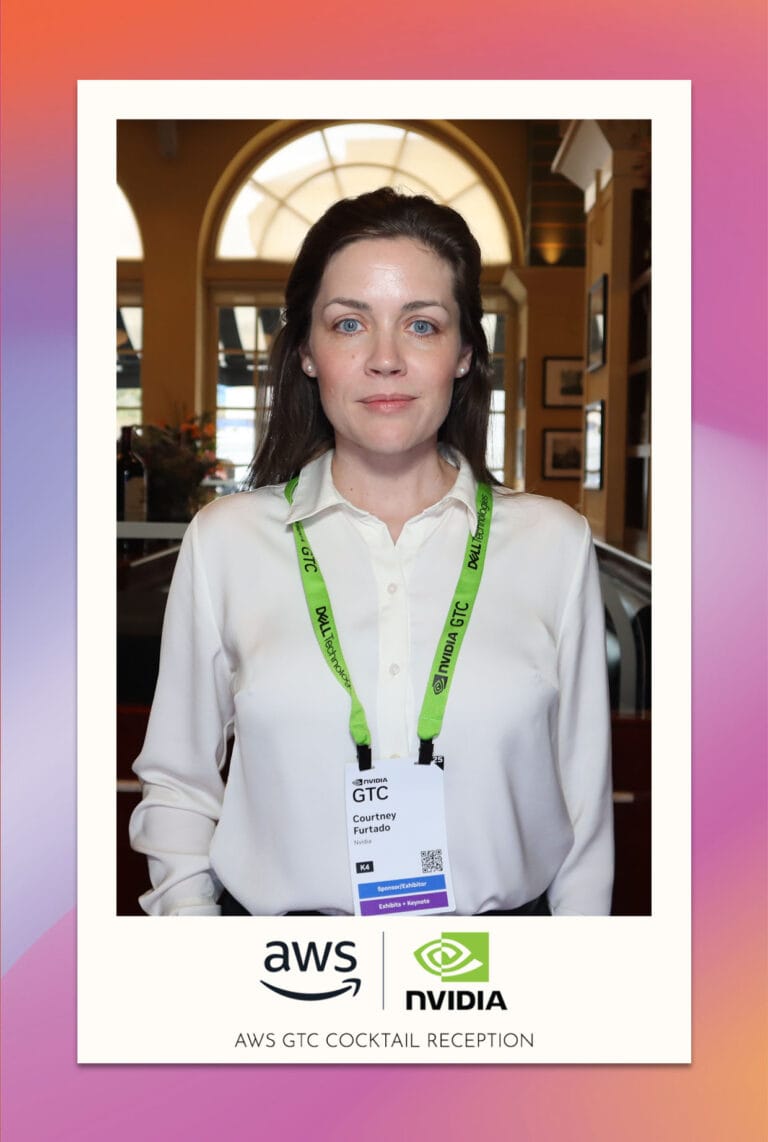
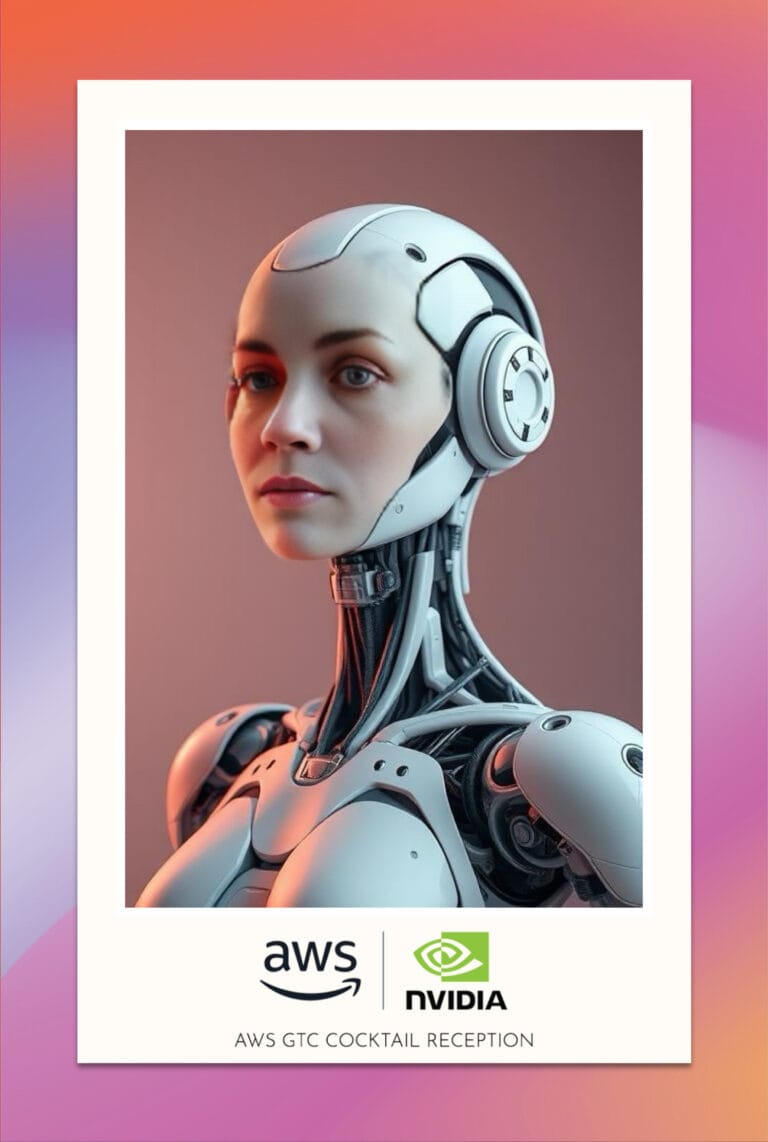
For an NVIDIA and AWS event in San Jose, our team developed custom AI prompts and paired the experience with branded templates and a branded microsite. The planning lesson is to review the creative result and the delivery experience together. Both are part of what the guest sees.
When reviewing past event examples, ask which parts of the setup are relevant to your own brief. A useful reference should help you discuss the style, layout and guest experience without assuming every feature from that event is included in your proposal.
Questions worth asking before you book
- Can we review several source photographs alongside the finished AI portraits?
- How do creative approval, revisions and final sign-off work?
- What does a complete guest session involve, including a retry?
- How will the setup handle our busiest arrival window?
- What happens if the venue connection becomes unreliable?
- Which files, prints and delivery methods are included?
- Who will be on site, and who handles technical support?
- What guest information is collected, and what will the report measure?
Frequently asked questions
Do all AI photo booths include printing?
No. Confirm printing in the proposal, including the format and how guests collect their prints. At One, Two, Smile! Photobooth, printing can be included when it supports the event format. The final delivery plan depends on the approved setup.
Does an AI photo booth need internet?
It depends on the configuration. Most of our staffed AI booth configurations require reliable internet. Confirm the connection requirements and contingency plan for your selected experience before event day.
What should I send when asking for a quote?
Send the date, venue, operating hours, estimated attendance, budget and creative brief. Include your busiest expected participation window and any requirements for branding, printing, staffing, data collection or reporting. This helps the provider prepare a relevant proposal.
Can the same AI style be used for every guest?
Yes. A shared creative direction can give the event a consistent look while the portraits feature different guests. Review several samples to see how the approved style works across people, and confirm whether guests choose from multiple styles or use one event-wide concept.
What should Bay Area planners confirm about the venue?
For corporate photo booth events in San Francisco or a photo booth rental in San Jose, share the exact venue and room with the provider. Confirm load-in access, setup time, power, internet, the operating footprint and space for the queue. Requirements should follow the selected configuration and the venue’s rules.
Summary
Choose the AI photo booth provider that can connect the creative sample to a clear event-day plan. Review the original and generated images, approve the guest-facing branding, and confirm the session flow, connection plan and deliverables in writing. You’ll have a stronger basis for comparing proposals and fewer unresolved decisions as event day approaches.
Plan your Bay Area AI photo booth experience
One, Two, Smile! Photobooth serves San Francisco, San Jose, Silicon Valley and the wider Bay Area. Explore our AI photo booth rental options, then share your event brief for a proposal. Include your date, venue, guest count, budget and creative direction so we can discuss a setup that fits.
You can also call (510) 463-4972 or email smile@onetwosmilephotobooth.com.